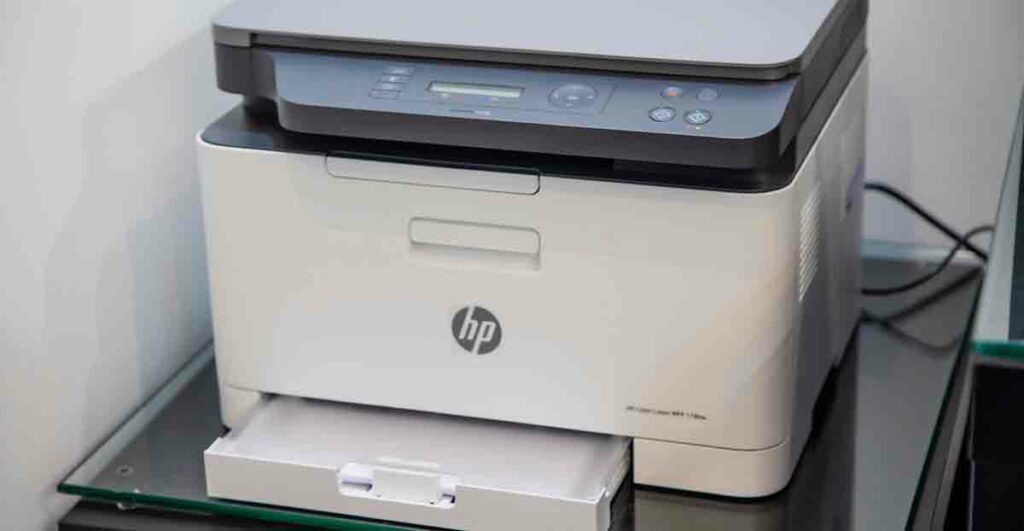
There are two main types of printers available to most people, ink jet and laser printers. They each have their advantages and disadvantages.
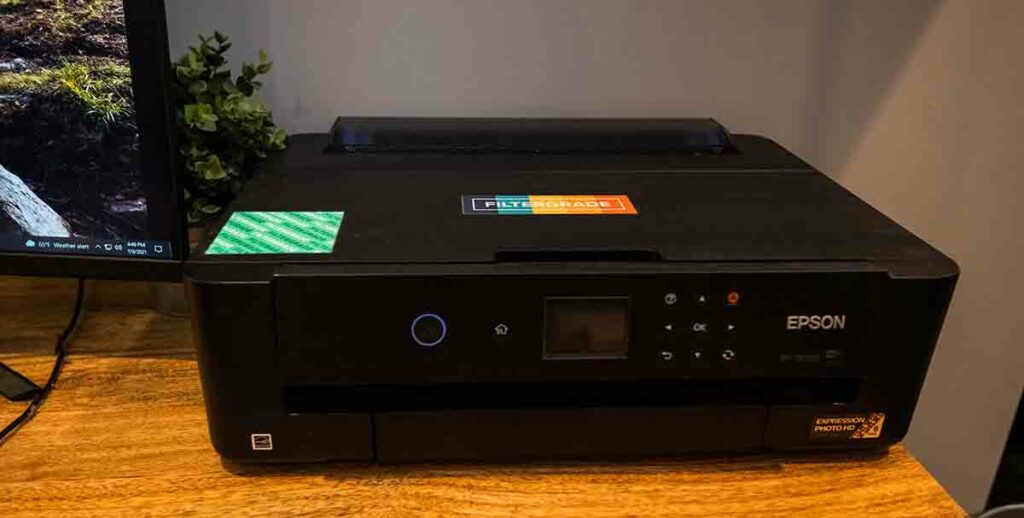
According to Brick city button makers, inkjet printers have super high resolution which is great for tiny buttons. But the resolution is dependent on the paper you use. You’ll want to make sure to use “Graphics” or “Presentation” paper so that the ink doesn’t spread but is also not super thick. Photo paper doesn’t work well in many button makers. Ink jet printers are really affordable upfront, but the cost of ink and paper can really add up. They’re a lot slower than laser printers also, and if you’re making buttons for a living, time is money. Additionally, you have to let your prints dry fully, because if you make buttons from ink jet prints that aren’t dry, your buttons can actually start to rust over time.
According to Brick city button makers, Laser printers are our preferred method of printing buttons. However, to get prints that have comparable resolution to ink jet, the price of laser printers is out of the budget of most people. If you’re a member of an organization or business and have access to a laser printer, that’s the way to go. You can also get your prints done at a friendly local print shop, which are almost always laser prints. The quality of laser prints are not dependent on paper, so that saves you money in the long run. One downside of laser prints is the waxy buildup from the toner. It can cause your buttons to slip inside the machine which creates a little mylar bubble on the side of your buttons. It looks as though they mylar hasn’t crimped all the way. You can work around this issue by adding some white space between the bleed line and the cut line of your graphic so that color doesn’t extend past the button face.