Hi I'm Moji
I am pursuing the Emerging Media Masters, I love technology and I'm excited to expand my knowledge of web development this summer. I can't wait to make beautiful websites.
Below are materials I have learned and practiced so far
Learn more about Penguinsbelow is the link to my em folder
Em folderbelow is the link to the wordpress playgorund install
Worpress Playgroundproject one
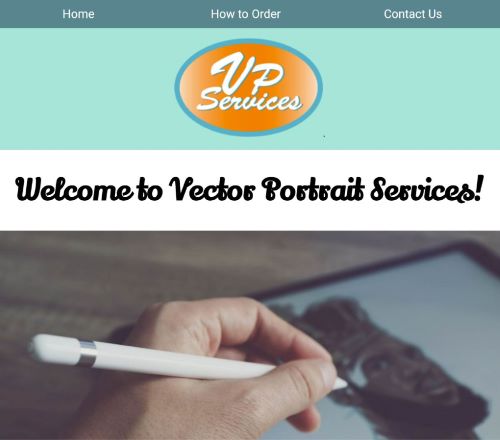
project-one inspiration comes from me wanting to learn how to build an online store. I do not want to rely on websites like shopify. I would love to learn how to make a lot of the elements on shopify online stores.
This project was very educational, I Knew I wanted to build a website with products but some of the
elements
at
this stage were challenging for me.
I learned how to make clickable logo. clickable logo is a linked photograph that makes it easy to access
home
page from any page on the website

The most interesting part of this project-one for me is my contact form page, and I am very proud of the work I did
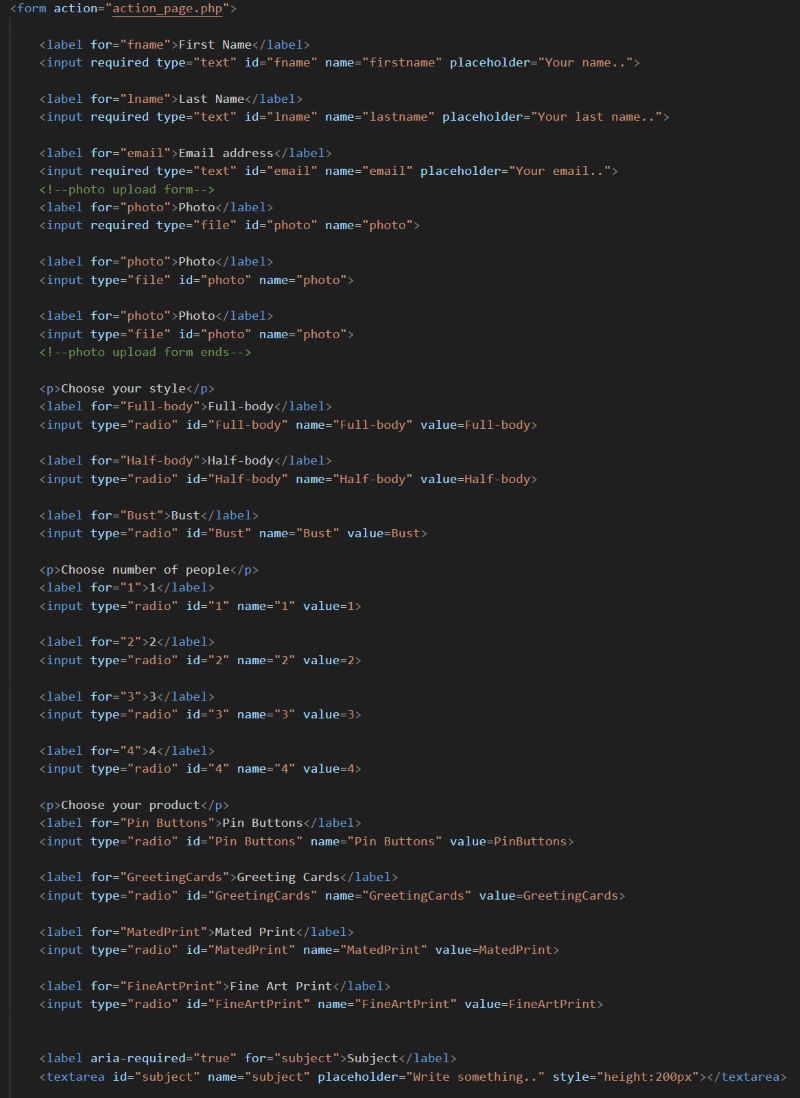
click image below to see Project one
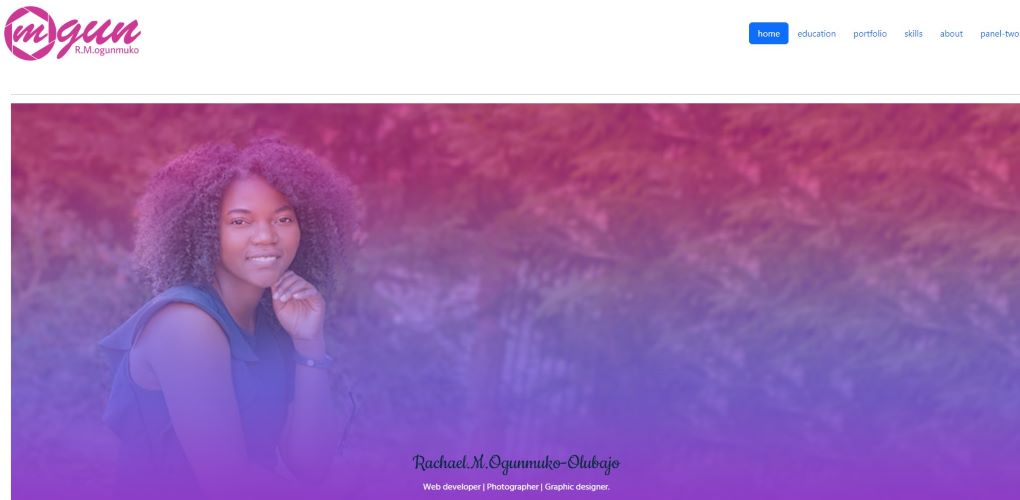
project two
project-two is the begining of my portfolio website, this project was challenging due me not being familiar with boostrap. In the process of trying to make this wesite, I leared how to use a couple of the components boostrap has to offer. This project has deffinitly gotten me interested in learning more about all the things I can do using boostrap, I downloaed the sample pack to make it easy to see how the codes are meant to look, then i went to boostrap to copy the codes that I needed. I used cards a lot in this project. I also tried the heoro diplays to give my site a facy header. I would love to really learn more on the grids I feel, I am still a bit confusse about that process of deigning web pages but with time and practice I know I will get it
click image below to see Project two
project three
For project-three I chose the astra theme for my ecommerce website and my content publication website. The theme seams to have a lot of review and it has all the features I am looking for. I wanted a theme that was easy to edit and one that has great layout options. I learned to make an announcement banner using plugins and a chat system that pops up on each page to give great customer service to potential clients. I downloaded a boosrtap slider plugin called "b slider" because it is compatible with the theme I chose. The slider helps my home page stand out. Wordpress is a bit challenging if one is not familier with all the design components it offeres. Through research and self learning I was able to advance my skills and figure out the design elements. The most challenging part was trying to figure out how to make the css customizations on wordpress and learning the design tools for the theme I chose. Putting a publication website together was also somthing new because I have never made a blog style website. It was interesting trying to put the content together and to figure out the design layoput. I am proud of the work I did and how both projects look cohesive. Please take a look at the nav bar once you arrive on my project three wesite, the "Blog" navigation will take you to my publication website, and the "Webdev" navigation will take you to the web development page. On the my publication page, the navigation 'shop" will take you to my online ecommerce shop.
click image below to see Project three commerce site

click image below to see Project three content site

Final Project
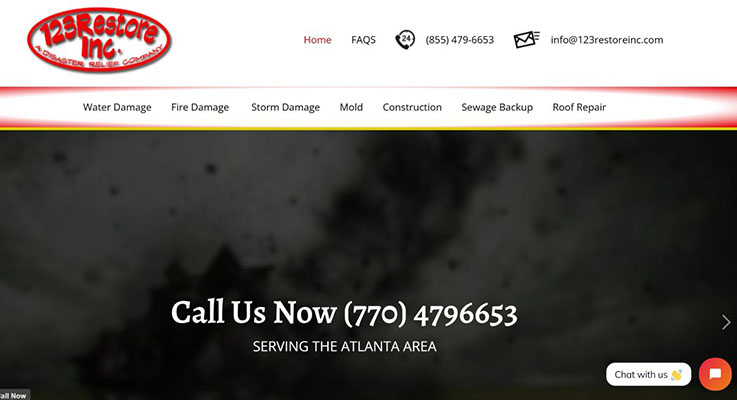
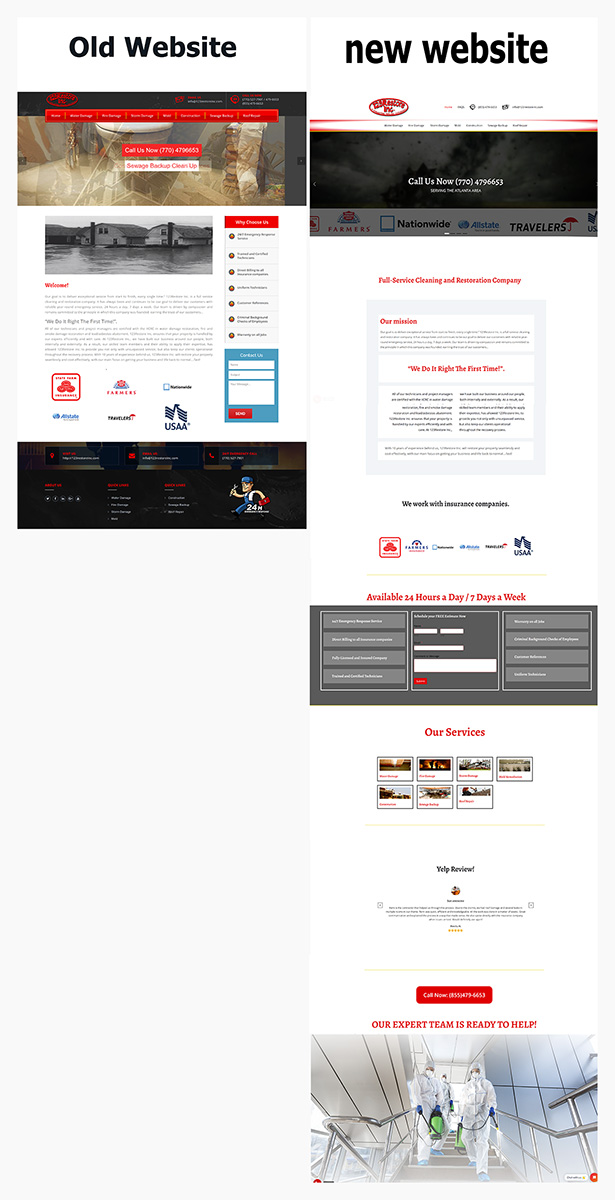
For final project, I chose the astra theme because it worked very well for me on my last project. I wanted a theme that was easy to edit and one that has great layout options. The theme seams to have a lot of review and it has all the features I am looking for. Here are all the plugin I used for this project: B Slider, for a large carousel look on the home page. Call Now Button, is a sticky button revealed on all the pages to allow customers to quickly contact the company. Menu image, used to add images to the number and email in the navbar. Real Testimonials added to the homepage to show customers this company can be trusted. Tidio Chat was added to all pages to help companies have better customer interactions online. WpForms Lite form was used as a Contact widget to add to all the pages. Overall, I believe I successfully recreated 123restoreinc.com and improved upon the original look of the website.
here is a photo of before and after
click image below to see Final Project Wordpress website redesign